
Summary: On a Mercedes with COMAND, one head unit runs the sat nav, the radio, the audio for phone calls and the disc drive, so a single fault can surface as silent calls, a nav disc that will not load and a screen stuck on the start-up logo, all at once. Owners tend to report those as separate problems when the cause is one unit. We run your COMAND on a rig that works it as though it were still in the dashboard, confirm the fault, repair it and send it back with a Lifetime warranty.
Mercedes owners have reported a wide range of COMAND faults to us over the years, from a W209 CLK that takes an age to start to an M-Class whose radio cuts out whenever the air-con runs, and those reports shape the tables that follow. Other makes and systems start from our sat nav and infotainment repair hub.
- What we repair: Mercedes COMAND head units, including the COMAND 2.0 High-Line in the CLK W209
- Faults units arrive with: disc read errors, discs stuck in or refused, a boot logo that never clears, white or faulty displays, units that are completely dead
- Tested on: in-house Hardware-in-the-Loop rigs that simulate heat, vibration and load
- Turnaround: fast turnaround testing and repair
- Warranty: Lifetime
One head unit, many jobs: why a COMAND fault looks like several
COMAND is not a sat nav with a radio added on. It is a single head unit in the centre of the dashboard that handles navigation, the radio, call audio and the disc drive, with its screen and buttons built into the front. On many models the steering-wheel audio buttons and the instrument cluster readout take their cue from it too, and on some later C-Class and GLC models a failed unit takes the reversing camera picture with it.
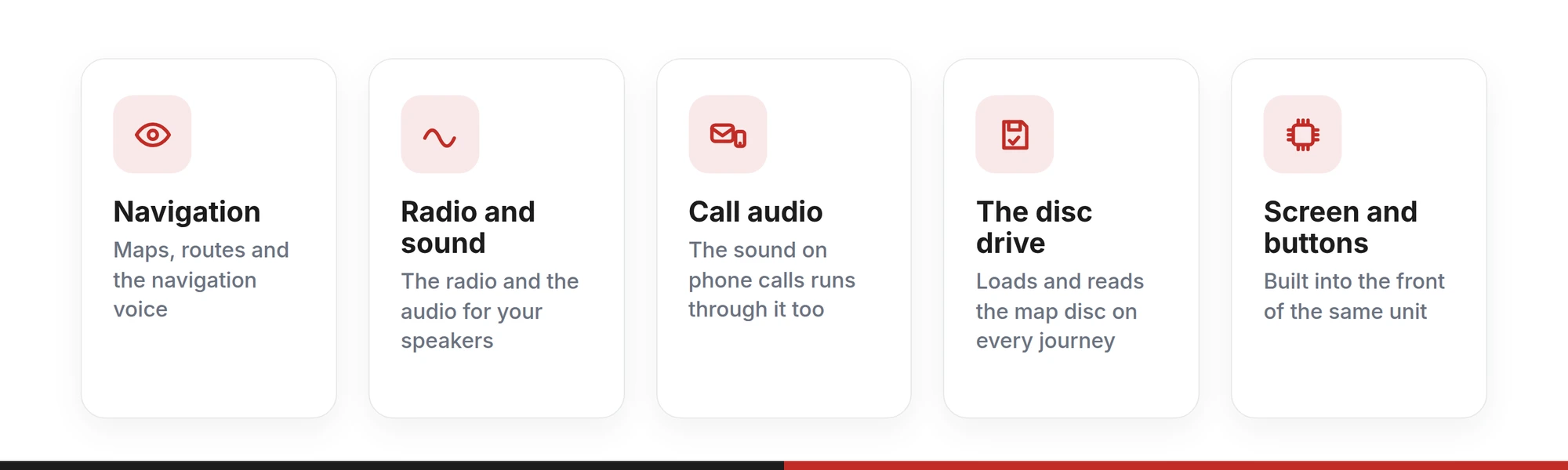
So the same failure gets described in different ways. One owner reports no sound, another a nav disc that suddenly needs inserting, a third a screen that never gets past the Mercedes logo. Each sounds like a separate problem, and each can come from the same unit.
One NTG2 owner on this page watched the whole sequence. The radio volume went first, then the sound on incoming calls, then the navigation voice. Next the screen asked for a nav disc that was already loaded, and finally the buttons stopped responding. That is not five faults. It is one head unit losing its grip on everything it runs.
Before a speaker, an aerial or a new map disc gets bought, check whether the COMAND is the thread running through the symptoms. When several of its jobs fail together, it usually is.
What does each COMAND symptom point to?
Find the row closest to what your Mercedes is doing. The middle column says which part of the COMAND’s work is affected; the last says whether the head unit is the thing to send.
| What your Mercedes is doing | What it points to | Send the head unit? |
|---|---|---|
| Stuck on the Mercedes logo, sometimes with a scan reporting the control unit as faulty | The head unit powering up but never finishing its start-up | Yes — a core COMAND repair |
| Slow to start, worst after the car has stood for a few days, fine once running | A unit struggling to start on a weaker supply: an early form of the logo fault | Yes — note the pattern on the form |
| CD read error, insert disc or please wait, with the nav disc already in | The disc drive no longer reading the map disc | Yes — the drive is part of the unit |
| A disc that will not load, or will not come out | The drive’s loading mechanism | Yes — leave the disc inside |
| Radio, call audio and navigation voice fall silent in turn, then the buttons freeze | The whole unit failing across everything it runs | Yes |
| Navigation errors after about twenty minutes, most days | A fault that appears as the unit warms up | Yes — say how long it runs first |
| Screen stays white, goes blank or shows a line through the picture | The display on the front of the unit, or the picture reaching it | Yes — we confirm which |
| One button dead while everything else works | The controls on the unit’s front panel | Yes |
| A destination cannot be entered | The unit’s navigation function | Usually — tell us whether the disc reads |
| Radio cutting in and out while the air-con is running | An intermittent that follows another electrical load, in the unit or its supply | Describe it — the rig shows whether the unit drops out on its own |
| No sound at all while the screen and navigation work | The unit’s audio, a fuse, or a separate amplifier where fitted | After a fuse and amplifier check |
Two checks settle a lot before anything comes out of the dashboard. If a second map disc brings up the same message, the drive is failing, not the disc. And if more than one function is misbehaving at once, look at the head unit first.
For a wrong position or a route that keeps recalculating, reception is the first suspect: why a sat nav loses its signal covers the checks worth making.
COMAND 2.0, NTG2 or later: which unit is in your Mercedes?
Mercedes fitted several generations of COMAND, and one model can carry different units depending on its year and specification. You do not need the name to get started: whether the maps load from a disc, and what the screen looks like, narrow it down from the driver’s seat.
| Unit | How you recognise it | Where it appears | With us |
|---|---|---|---|
| COMAND 2.0 High-Line | Maps on a CD loaded into the front of the unit | CLK W209 and E-Class W210; also found in the W208, possibly retro-fitted | Where this page began — send it in |
| COMAND NTG2 | Maps on a disc, and the unit asks for its nav disc when it cannot read it | CLK W209; M-Class W164 (2005–2008) | Describe the fault; we confirm first |
| COMAND APS 50 | Maps on a DVD rather than a CD | Tell us the model and year | Ask us first |
| COMAND with a motorised screen | A screen that moves out of the dashboard | C-Class W204 (2007–2011) | Ask us first |
| HU Entry | A smaller screen, often with a touchpad controller | C-Class W205 (2014–2017), GLC, V-Class | Ask us with the part number |
If the unit is already out, the part number on its label settles it. If not, send the model, the year and what the screen shows at start-up, and we will confirm the unit before anything is removed.
On the W208 and W210, the instrument cluster display is a separate unit with faults of its own, covered on our W202, W208 and W210 instrument cluster LCD repairs page. For other makes, the same one-unit logic applies to BMW iDrive and to Volkswagen’s RNS510 and RNS810 navigation.
Why do COMAND units develop these faults?
The rows in the symptom table trace back to a handful of causes, all at the level of the whole unit:
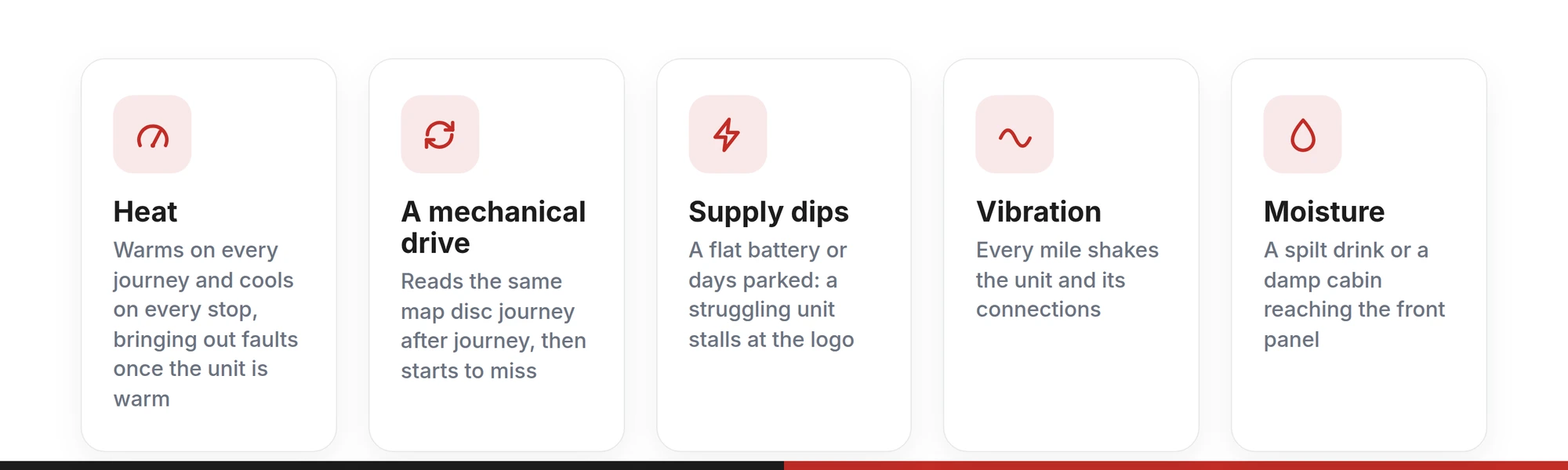
- Heat. The unit sits in the middle of the dashboard, warming on every journey and cooling on every stop. One that runs for twenty minutes and then fails is showing a fault that heat brings out.
- A mechanical drive. The drive loads, spins and reads the same map disc journey after journey. Wear shows first as occasional read errors, later as a disc that will not load or come out.
- Supply dips. A flat battery, a battery change, a jump-start or days parked leave the unit starting on a weaker supply. A healthy COMAND copes; a struggling one starts slowly or stops at the logo.
- Vibration. Every mile shakes the unit and its connections, adding to the wear that heat has started.
- Moisture. A drink spilt near the centre console, or damp in the cabin, can reach the front panel and its connections.
These causes build gradually. That is why so many COMAND faults begin as occasional ones, a slow start one morning or a read error on one journey, and why the gaps between them close until the fault is there every time.
Disc stuck in the drive? Why the unit should reach us unopened
A disc that will not come out is the fault most likely to tempt someone into opening the unit. It rarely ends well.
One CLK owner on this page opened the COMAND to free a stuck nav disc. Afterwards the drive would not work at all, the screen showed a disc error, and the unit began flattening the battery whenever the car was left locked. One fault had become three.
That is what tends to happen when a unit built to close tolerances is opened outside a workshop, not a matter of carelessness. A sticking disc usually means the drive is already wearing, so freeing it by hand fixes nothing and can add damage to the repair that was needed anyway. Leave the disc where it is, mention it on the repair form, and send the COMAND just as it came out of the car.
Sinspeed · Mercedes COMAND repairs
Tell us which of your COMAND’s jobs have stoppedList what still works and what has gone — navigation, radio, call audio, the disc, the screen, the buttons — with the model and year. If your Mercedes does not have COMAND 2.0, check with us before the unit comes out.
Run on a Hardware-in-the-Loop rig before and after repair · Fast turnaround · Lifetime warranty
Is it the COMAND, or something it depends on?
A unit that runs this much also gets blamed for everything. Three faults are worth ruling out before it comes out of the car:
- No sound, with the screen and navigation working. A blown fuse, or a separate amplifier where the car has one, can silence the speakers while the head unit is healthy. Your garage can check both.
- A battery that goes flat overnight. Several modules can keep a car awake. A garage can find which one is drawing power; if it is the COMAND, that is the unit to send.
- A wrong position or constant rerouting. Reception is as likely a cause as the unit.
The rest of the table — the logo, the disc, the display, the buttons and functions dropping out together — points back to the head unit. Where doubt remains, the rig settles it. There the COMAND has nothing to hide behind: if it starts, reads, plays and displays as it should, the fault lies elsewhere in the car, and you know that before anything else has been bought.
Your COMAND’s route from dashboard to workshop and back
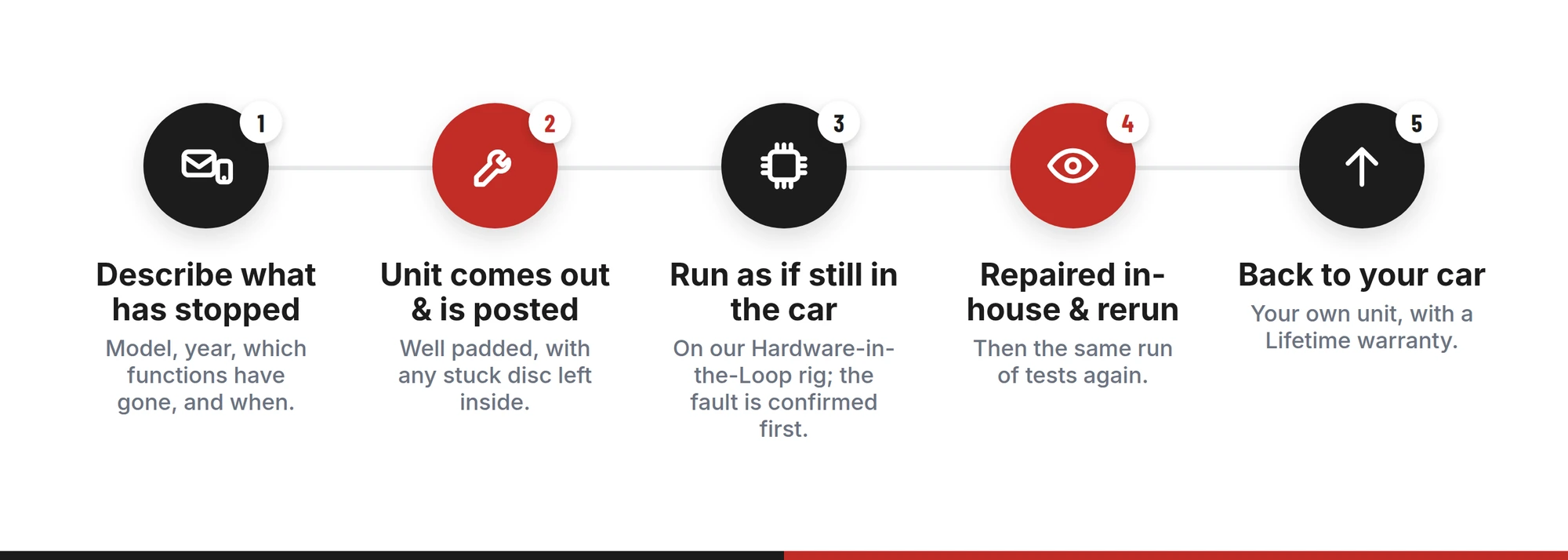
- Describe what has stopped
On the repair form, give the model and year, the COMAND generation if you know it, and which functions have gone. When it happens matters too: from cold, once warm, or after the car has stood. Add any diagnostic message, and say if a disc is stuck inside.
- The unit comes out and is posted
Your garage removes the head unit, or you do if you are comfortable with dashboard trim, and posts it to us well padded. Getting it out of the car is the fitting side of the job; finding and fixing the fault is ours.
- Run as if it were still in the dashboard
In our ESD-safe workshop, the COMAND goes onto an in-house Hardware-in-the-Loop rig that powers it and simulates the heat, vibration and load of the car. The reported fault is brought out and confirmed there before any work begins.
- Repaired in-house and rerun
Our engineers repair the confirmed fault, whether it sits in the drive, the display or the unit’s own electronics. The COMAND then goes back on the rig for the same run of tests.
- Back to your car
It returns with a Lifetime warranty. Because it is the unit that belongs to your car, there is normally nothing to re-match; if a stand-in unit was fitted and coded while yours was away, your garage restores the car’s settings to the original as part of refitting.
Mercedes COMAND repair: what owners ask
Sinspeed · COMAND head units
One unit behind the faults, one unit to sendBook your COMAND in on the repair form, or ask us first if you are unsure which generation your Mercedes has or whether the head unit is really the part at fault.
Repaired in-house · ESD-safe workshop · Lifetime warranty
Final thoughts
A COMAND fault rarely turns up as a single symptom. Because one unit runs the navigation, the radio, the call audio and the disc drive, one failure can read like a list of separate problems, and chasing them one at a time costs parts and patience.
Start from what has stopped and what still works, and the common factor usually shows itself. When it is the head unit, send that one unit in, unopened and with any stuck disc still inside, and it comes back tested, repaired and covered by a Lifetime warranty.